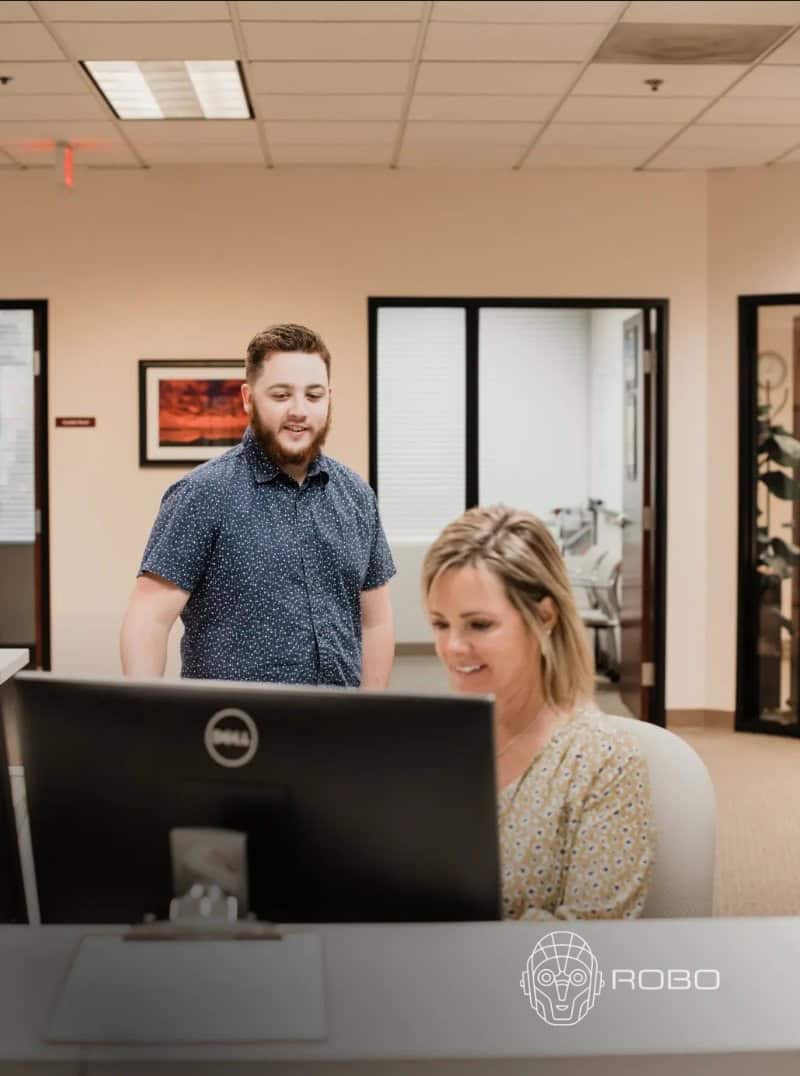
The team at ROBO treats our engineers’ time the way we do, like it’s billable. Standardized laptops, predictable onboarding, and proactive server monitoring mean our people stay on project work, not on hold with IT.
Security-first monitoring for Microsoft 365 risk
Reduce alert noise with Microsoft 365 monitoring guided by 60 IT staff across security, cloud, and service roles.
Close visibility gaps across accounts, email, and files with support for 18,000 end users.
Address risky sign-ins and permissions through security-first management shaped by 1,100 supported companies.
Improve compliance readiness with practical Microsoft 365 governance from security and cloud specialists.
Move beyond reactive alerts with proactive monitoring built into full-service IT management since 2007.
See how growing organizations gain clearer guidance, stronger support, and better technology control.
The team at ROBO treats our engineers’ time the way we do, like it’s billable. Standardized laptops, predictable onboarding, and proactive server monitoring mean our people stay on project work, not on hold with IT.
Partnering with ROBO has transformed how we manage technology across our 26 facilities. As a senior housing and healthcare provider spread across Oregon and Washington, having a centralized IT team gives us complete confidence that our systems stay secure, compliant, and reliable. ROBO standardized our security posture with managed firewalls and application controls, protecting sensitive resident data while keeping our operations fully HIPAA-compliant. Their repeatable onboarding process gets our new team members set up quickly, which is critical in a fast-paced healthcare environment. As our network has grown, ROBO has scaled right alongside us without missing a beat, ensuring our staff can stay focused on providing exceptional resident care.
I have never had a bad experience with this company. The last two times I was helped by Jeffrey Frye. He was so nice and he solved my issues quickly! I would recommend him any day.
The team at ROBO is always courteous, knowledgeable and helpful. At our small business, we may not have many problems with computers, but when we do, we are always confident that ROBO will get us back on track. What really makes me feel good about ROBO is that I never feel intimidated when I work with them. They are computer experts but never make me or any of my staff feel that our questions are insignificant or silly. ROBO has made my job easier!
Danny and the ROBO team are fantastic, we have been working with them for 10+ years. Danny and his team of computer experts go above and beyond to make sure the computers are running smoothly, keep us secure and up to date. If we have an unexpected emergency, they are available to troubleshoot and get us back up and running as quickly as possible, which is critical for patient care. I cannot recommend them highly enough! Great work ROBO team!!!
ROBO didn’t just fix our IT, they rebuilt it. The SharePoint mess is gone, accounting actually works, and they moved us into a much bigger building without us losing a beat. We don’t have to think about IT anymore.
Thay Thompson did an awesome job. She knew exactly what she was doing in all aspects of transferring all the information I need off my old computer to a new one. she was very professional and very kind she also taught me some new things about computers that are very helpful to know. 10/10 experience!
Jeffrey was stellar. I had an issue with my printer being dropped from my computer completely and he got me back in business! He deserves a prize! Thank you Jeffrey and Robo. You all have been so great any time I need help!
We have been using ROBO for two plus years now and it has been a game changer for our business. Before they came on board, we relied on an in-house person. They tried their best, but our systems were constantly breaking down, and our team would go days without getting issues resolved. Working with ROBO has been easy from the start. They came in, gave us an honest assessment, and clearly explained everything they could do for our company. Since that moment, I have felt total relief. They took over all our vendor billing, so instead of juggling multiple bills, we now just pay ROBO once a month. Having one consolidated bill for everything makes administration so much easier. Their customer service is amazing. Whenever anyone on our team has an issue, they just click a small icon on their screen to submit a ticket. Response times are incredible—usually under 30 minutes, and 9 out of 10 times it’s in less than 15 minutes! This keeps our entire team productive and focused on their work. I strongly recommend ROBO to any business!
Jeffrey was very helpful with guiding me on installing an older program to my computer. ROBO has always been professional and easy to work with!
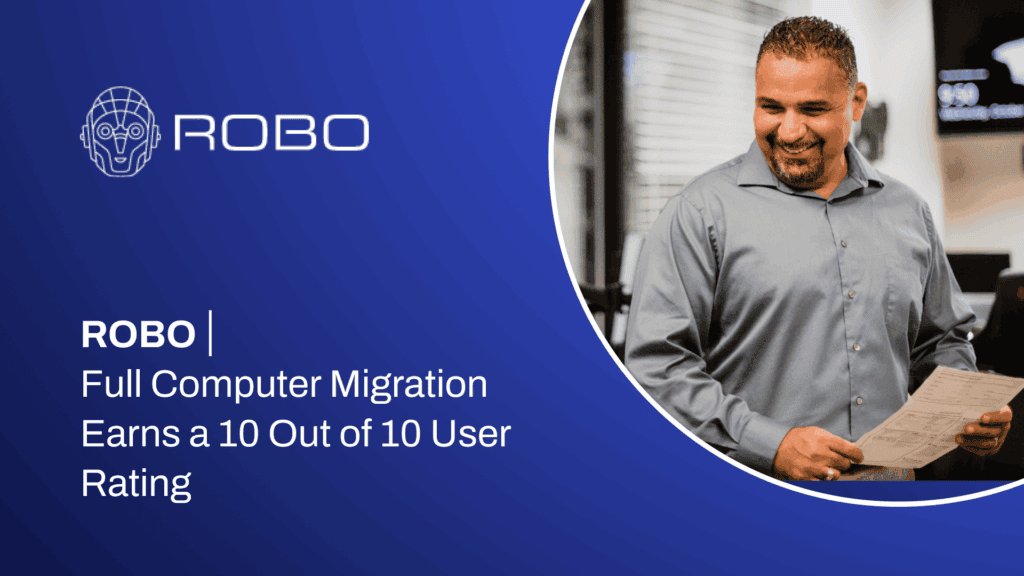
Every file moved intact, and the user walked away knowing how to run her new computer with confidence.
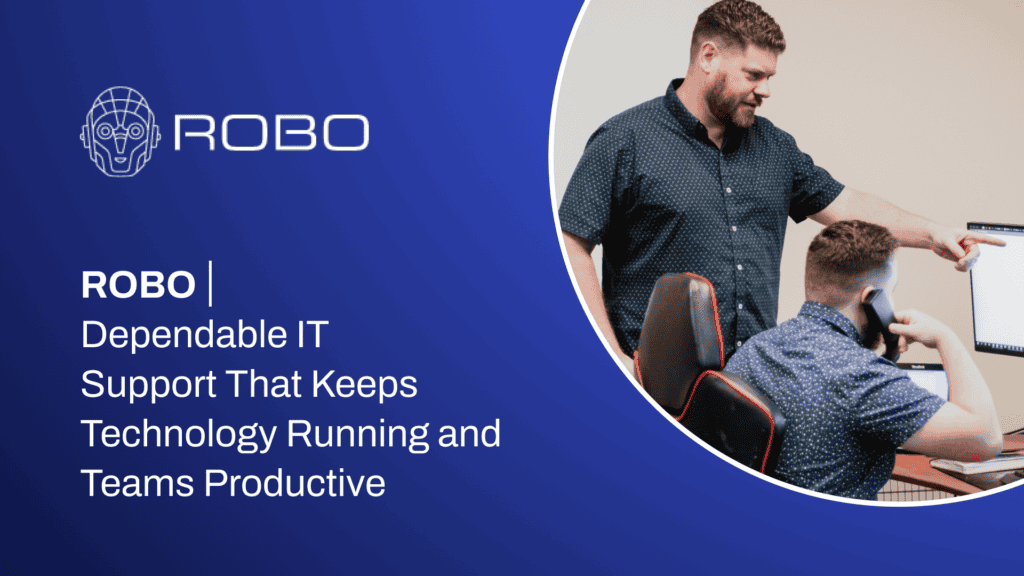
With no internal IT staff, the client gained two dedicated engineers who fix issues the moment they arise.
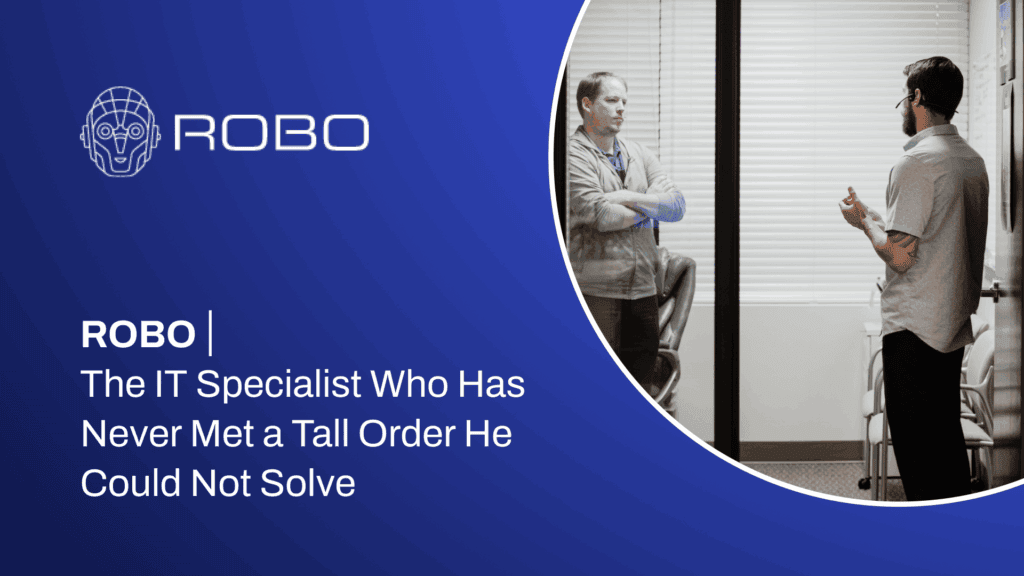
A hands-on IT specialist who, in the client’s words, has never met ‘a tall order’ he could not solve.
3ROC, a dynamic and growing business, needed a scalable and secure IT infrastructure to support its expanding operations. With an increasing reliance on digital tools, remote access, and data security, the company required a robust solution to ensure efficiency, compliance, and reliability across its systems. The Challenge Unreliable network performance, causing disruptions in daily operations […]
Westlake Plastic Surgery, a renowned clinic offering personalized cosmetic and reconstructive procedures, needed an IT solution that could securely manage patient data while supporting the clinic’s growth. With sensitive healthcare information and a focus on exceptional patient care, they required a robust IT infrastructure that aligned with HIPAA compliance and clinic operations. The Challenge Compliance […]
Account activity is often the first place Microsoft 365 risk appears. ROBO monitors sign-in patterns, authentication events, and identity-related signals to help identify activity that deserves review.
Your organization gains clearer visibility into risky access attempts, unusual behavior, and account conditions that may require policy changes, user guidance, or escalation. This supports stronger identity governance without forcing internal teams to interpret every alert alone.
Email remains a major path for business disruption, especially when users depend on Microsoft 365 throughout the day. ROBO monitors email security signals and suspicious patterns that may indicate phishing, compromised accounts, or policy gaps.
The goal is not to overwhelm your team with raw alerts. It is to help separate meaningful activity from noise, document what matters, and connect findings to practical next steps across users, devices, and Microsoft 365 settings.
Over time, Microsoft 365 permissions can become difficult to track. Users change roles, projects evolve, shared files expand, and groups may keep access longer than intended. ROBO helps monitor permission-related activity so these risks are easier to see and manage.
This supports better governance around shared resources, administrative access, and collaboration spaces. Your team gets more confidence that access aligns with how the business actually works.
Microsoft 365 often connects to cloud apps, mobile devices, and collaboration tools that can expand the security picture beyond a single dashboard. ROBO helps improve visibility into relevant activity so security decisions are based on context, not guesswork.
This includes reviewing platform signals, user behavior, and configuration concerns that may affect operational continuity. The result is a clearer view of where Microsoft 365 risk intersects with daily workflows.
Alerts are only useful when they lead to informed action. ROBO supports triage by reviewing Microsoft 365 security signals, validating context, and helping determine whether an event needs documentation, escalation, remediation, or continued monitoring.
This practical process helps your organization avoid treating every alert the same way. It also creates a stronger bridge between security monitoring, IT operations, user support, and long-term risk planning.
Security leaders and business leaders need understandable reporting, not just technical logs. ROBO helps translate Microsoft 365 monitoring activity into clear findings, trends, and recommendations that support better decisions.
Reporting can help highlight recurring issues, access concerns, administrative changes, and areas that may need stronger controls. This gives your organization a clearer path for improving governance, compliance readiness, and user protection over time.
Microsoft 365 holds email, files, identities, collaboration history, and daily business workflows. When visibility is limited, small configuration issues or unusual account activity can become larger operational problems.
ROBO provides security-first monitoring that helps your organization understand what is happening across Microsoft 365, prioritize meaningful alerts, and respond with context. Monitoring is supported by practical IT management, cloud administration, endpoint security, and long-term planning, so findings are not treated as isolated events. They become part of a stronger approach to governance, user protection, and operational continuity.
Security monitoring for Microsoft 365 helps turn platform activity into business-ready insight. ROBO focuses on the areas that often create operational risk and user disruption:
This gives leadership clearer visibility without requiring your internal team to sort through technical noise alone.
Monitoring alone is not enough. Microsoft 365 security needs the right process behind it, including triage, escalation, documentation, and practical recommendations your team can act on.
ROBO connects security monitoring with managed IT, Microsoft 365 administration, endpoint protection, and strategic technology planning. That broader view helps identify whether an alert is part of a user issue, configuration gap, policy concern, or larger security pattern. The result is a more mature approach to Microsoft 365 protection that supports day-to-day productivity, compliance readiness, and long-term operational resilience.
Gain clearer visibility, stronger governance, and practical next steps.
Security monitoring for Microsoft 365 gives you around-the-clock oversight of user accounts, data access, file sharing, and suspicious login activity. You gain centralized visibility into your Microsoft 365 environment, with alerts for unauthorized access, risky configuration changes, and potential data leaks. This service also supports compliance readiness and helps you respond quickly to threats before they become business disruptions.
With security monitoring for Microsoft 365, you can reduce risk, protect sensitive data, and keep your business running smoothly. You benefit from:
The setup process involves a discovery session to understand how your team uses Microsoft 365, followed by a tailored configuration of monitoring tools and alert thresholds. Ongoing management includes continuous monitoring, regular reviews, and proactive reporting, so you always have clear insight into your security posture and can adjust as your business evolves.
The onboarding process starts with a quick assessment of your current Microsoft 365 environment, followed by step-by-step implementation of monitoring and alerting tools. Most businesses are fully onboarded within a couple of weeks, minimizing disruption to your team while ensuring your environment is protected from day one.
This service goes beyond automated alerts by treating security as a business issue, not just an IT concern. You gain a strategic technology partner focused on risk reduction, operational continuity, and long-term reliability. The approach is proactive, practical, and tailored to your unique business needs, supporting growth while keeping your Microsoft 365 environment secure and efficient.